✣
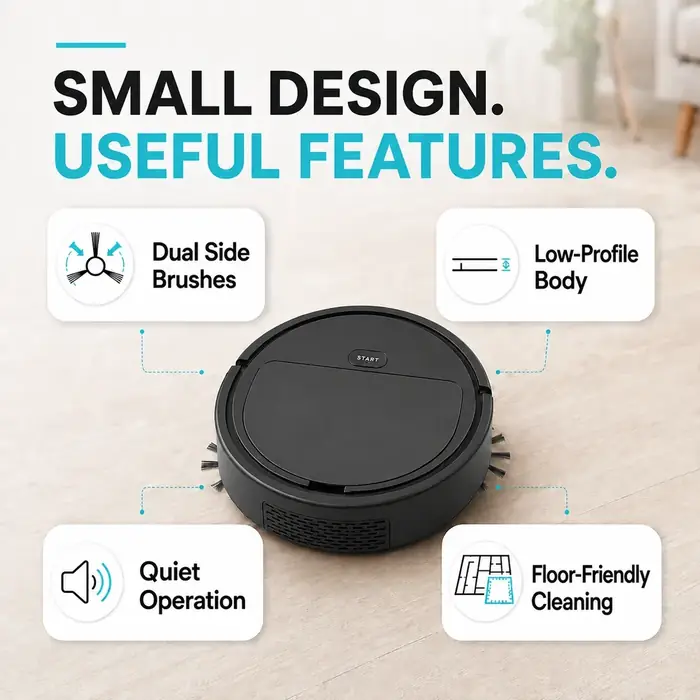
Dual side brushes
Side brushes help sweep debris toward the cleaning path.
Power Heat Pro brings a compact robot-vacuum design, dual side brushes and simple one-button operation into your everyday cleaning routine.
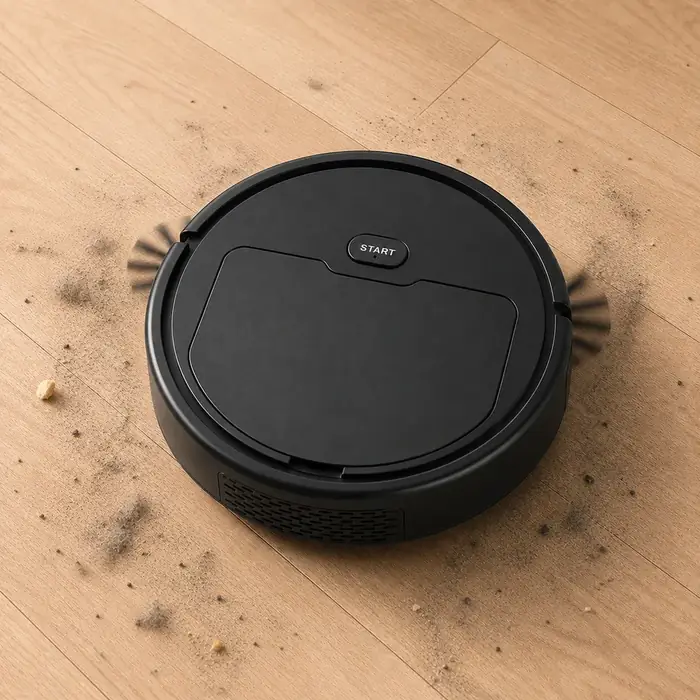
Dust, crumbs and everyday debris can collect between deeper cleans. A compact robot vacuum can be a convenient extra tool for routine floor maintenance, alongside occasional manual cleaning.
Use the product information and instructions to decide whether its size, controls and cleaning setup fit your home.
Explore the features shown in the supplied product images. Actual performance depends on your floors, layout and product specifications.
Side brushes help sweep debris toward the cleaning path.
A compact shape is designed to fit into more everyday spaces, subject to clearance.
Check the manufacturer’s specifications for measured operating noise.
Review surface compatibility and care instructions before use.
The supplied reference image illustrates this basic setup. Follow the instructions included with your actual unit.
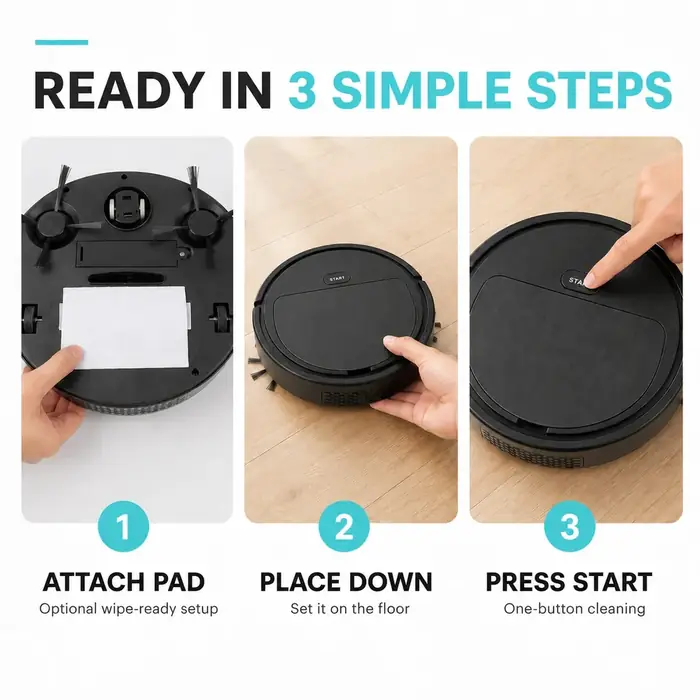
Attach the included pad or accessory if required by the instructions.
Clear loose cables, small objects and obstacles from the intended cleaning area.
Use the product’s control as directed and supervise its first cleaning run.
The product images highlight a round body, side brushes, a low-profile shape and a single start button. Confirm battery life, charging method, dust-bin capacity, sensor functions and included accessories with the seller before ordering.
Potentially useful between more thorough cleaning sessions.
Product imagery shows a visible start button for basic operation.
Verify your floor type, room layout and clearance before use.
Consider it for accessible floor areas where the unit can move freely.
Use routine runs as a supplement to regular vacuuming and manual cleaning.
Measure furniture clearance and check obstacle handling before purchase.
Images supplied for this product page.
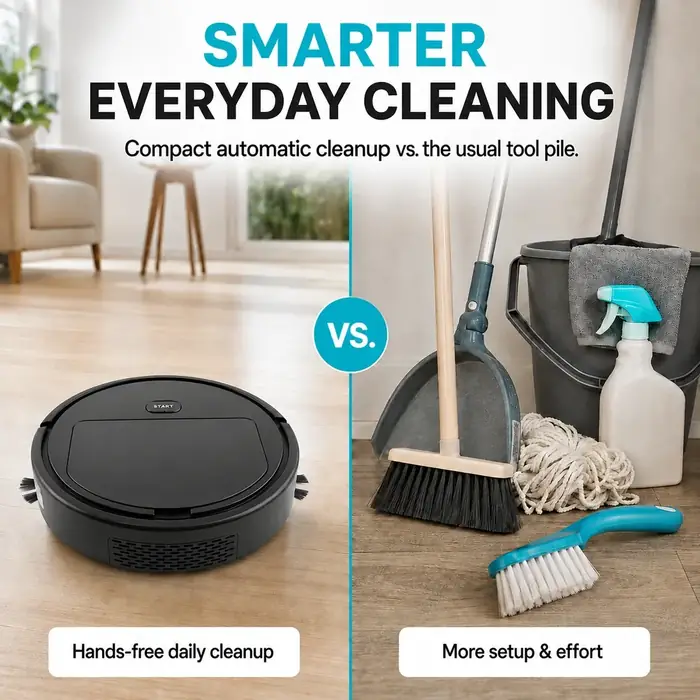
Follow the manual supplied with your exact model. Keep cables, liquids, fragile items and small objects out of the cleaning path. Keep the unit away from stairs or drop-offs unless the manufacturer confirms suitable protection.
Check the brush assembly, dust container, charging instructions and floor compatibility. Do not use on wet surfaces unless the manufacturer explicitly permits it. Keep fingers and loose clothing away from moving parts.
For people looking for an extra tool for routine floor upkeep.
For spaces where a compact round vacuum can move without excessive obstacles.
For buyers who compare dimensions, accessories, warranty and total delivered cost first.
No customer reviews have been supplied for this page, so no testimonials or ratings are fabricated.
Confirm runtime, charging details, dust capacity and supported floor types.
Read the seller’s actual warranty, refund and return conditions.
Check taxes, shipping and package contents on the checkout page.
Prices are shown in Canadian dollars (CAD). Select a package to continue to the single checkout URL configured by the site administrator.
Savings are calculated automatically from MSRP per unit and package total. Savings are hidden if MSRP is blank, zero or not higher than the package offer. Default package prices are editable in the WordPress admin and should be confirmed before launch.
Review the seller’s current guarantee and return terms before placing an order.
Shipping fees, destinations and delivery estimates should be confirmed at checkout.
All purchase buttons use the same configured affiliate/checkout URL. Confirm the destination before launch.
This page offers 2-, 4- and 5-unit packages only. There is no single-unit package.
Yes. Prices are displayed using the C$ format throughout this theme.
Every purchase button uses the single Affiliate / Checkout URL set in Power Heat Pro Settings. Buttons remain disabled if a valid URL is not configured.
Floor compatibility depends on the actual model. Check the manufacturer’s instructions before use.
Confirm the exact unit count, accessories, shipping fees and other inclusions on the checkout page.
Use the policy links in the footer. Complete and publish those pages using the seller’s actual terms before launching the website.
Compare package totals and confirm seller details before ordering.